Microsoft 365 Copilot
The Microsoft 365 Copilot app is your AI-first productivity app for work. It provides one place for you to chat with your AI assistant1, create content, manage projects and quickly find files on the go – helping you get more done, without doing...
Microsoft 365 Copilot enhances productivity with AI-assisted features, making it easier to manage tasks and generate content on the go. However, some advanced features may not be universally available.

Microsoft 365 Copilot
Updated 12 minutes ago✍️ Microsoft 365 Copilot enhances productivity with AI-assisted features, making it easier to manage tasks and generate content on the go. However, some advanced features may not be universally available.
Price
See store
Downloads
1,000,000,000+
Age Rating
4+
Category
Productivity
About this app
✍️ Our Take
✅ Pros
- + AI-driven assistance for document creation and summarization
- + Voice interaction for hands-free productivity
- + Quick file retrieval from multiple sources
- + User-friendly templates for content creation
- + Integration with Microsoft accounts for ease of use
⚠️ Cons
- − Availability of features may vary based on subscription
- − Some users may find the AI responses inconsistent
- − Requires an internet connection for full functionality
- − Limited offline capabilities
- − May not fully replace traditional productivity tools
🎯 Best For
The app is best for professionals and students looking to streamline their workflow and enhance productivity through AI technology.
Availability and pricing may change. We may earn a commission when you install through our links.
Related Articles
From Around the Network

 Products
Top Makeup Essentials: From Budget Finds to Premium Picks
Explore standout makeup picks ranging from budget-friendly essentials to luxurious splurges. Discover which products are worth your investment.
 Products
Unveiling the Best Skincare Picks: From Budget Gems to Premium Splurges
Explore standout skincare products that balance quality and price. Whether you're on a budget or ready to invest, find the perfect fit for your routine.
 Products
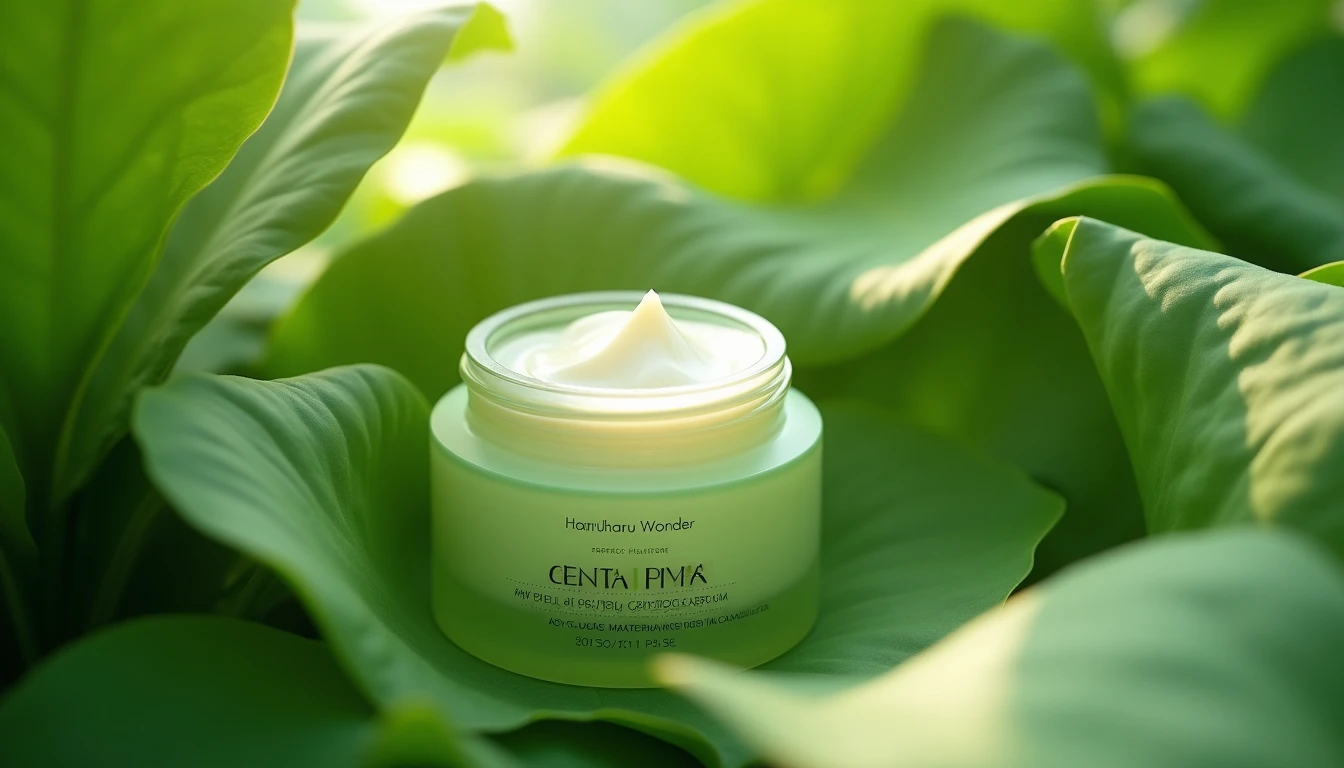
Is Haruharu Wonder's Peptide Cream Worth Your $20?
Looking for an affordable peptide cream? Haruharu Wonder's Centella Phyto & Peptide Cream might just fit the bill, but not without a few caveats.