Google Drive
Google Drive lets you securely store, intelligently organize and collaborate on files and folders from anywhere, on any device. With Drive, you can: • Safely store and access your files anywhere • Edit and store 100+ file types, including PDFs,...
Google Drive is a reliable cloud storage solution that excels in file management and collaboration but may have limitations in offline access and advanced features for free users.

Google Drive
Updated 11 minutes ago✍️ Google Drive is a reliable cloud storage solution that excels in file management and collaboration but may have limitations in offline access and advanced features for free users.
Price
See store
Downloads
10,000,000,000+
Age Rating
4+
Category
Productivity
About this app
✍️ Our Take
✅ Pros
- + Secure access to files from any device
- + Supports over 100 file types
- + Easy sharing with customizable permissions
- + Intuitive search and filtering options
- + Generous 15GB free storage
⚠️ Cons
- − Limited offline functionality
- − Advanced features require Google Workspace subscription
- − Potential privacy concerns with data storage
- − May be overwhelming for first-time users
🎯 Best For
Ideal for individuals and teams looking for a straightforward way to store, organize, and collaborate on files securely.
Availability and pricing may change. We may earn a commission when you install through our links.
Related Articles
The Truth About Productivity Apps: What's Worth Your Time?
Notion takes the crown for customization, but if you're on a budget, Focus To-Do is unbeatable. For seamless integration, Google's ecosystem with Drive is hard to match.
Unmasking Productivity Myths: What Really Boosts Your Output
Many productivity app myths are holding you back. We debunk them and suggest tools that actually work.
From Around the Network

 Products
Top Makeup Essentials: From Budget Finds to Premium Picks
Explore standout makeup picks ranging from budget-friendly essentials to luxurious splurges. Discover which products are worth your investment.
 Products
Unveiling the Best Skincare Picks: From Budget Gems to Premium Splurges
Explore standout skincare products that balance quality and price. Whether you're on a budget or ready to invest, find the perfect fit for your routine.
 Products
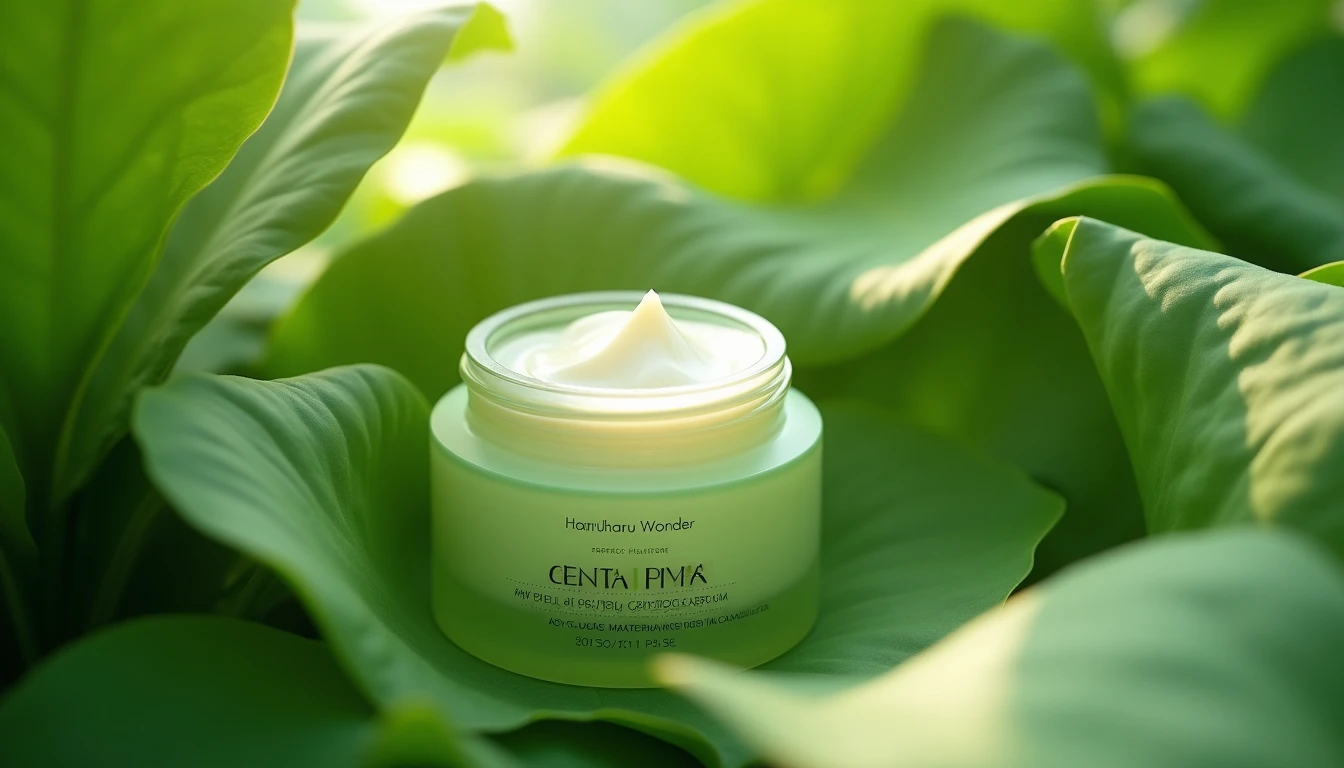
Is Haruharu Wonder's Peptide Cream Worth Your $20?
Looking for an affordable peptide cream? Haruharu Wonder's Centella Phyto & Peptide Cream might just fit the bill, but not without a few caveats.