What's wrong with this listing?
✓ Thanks, we'll review this.
Canva: AI Video & Photo Editor
Canva is an excellent all-in-one creative platform for users looking to produce high-quality graphics and videos with ease. Its intuitive interface and powerful AI tools make it accessible for both beginners and experienced designers.

Canva: AI Video & Photo Editor
Updated 1 hour ago✍️ Canva is an excellent all-in-one creative platform for users looking to produce high-quality graphics and videos with ease. Its intuitive interface and powerful AI tools make it accessible for both beginners and experienced designers.
Price
See store
Downloads
N/A
Age Rating
12+
Category
Photo & Video
About this app
✍️ Our Take
✅ Pros
- + User-friendly interface for easy navigation
- + Advanced AI tools for quick video creation
- + Robust photo editing features including background removal
- + Free to use with no mandatory in-app purchases
- + Wide variety of templates for different design needs
⚠️ Cons
- − Limited features in the free version compared to Pro
- − Can be overwhelming for new users due to extensive options
- − Internet connection required for full functionality
- − Some advanced features may have a learning curve
🎯 Best For
Ideal for social media managers, marketers, and anyone needing quick, professional-quality designs without extensive graphic design experience.
Availability and pricing may change. We may earn a commission when you install through our links.
Related Articles
Budgeting Apps Worth Your Screen Time: From Value to Premium
Explore the top budgeting apps this spring, from budget-friendly picks to premium features. Find out which app suits your financial needs best.
Top Video Editing Apps: Your Screen Time is Precious
Discover the best video editing apps this April, from budget-friendly picks to premium options. Maximize your creativity with our top recommendations.
Best Driving Test Apps: Budget to Premium Picks for 2026
Discover the best driving test apps for 2026, from budget-friendly options to premium picks that ensure you're road-ready.
From Around the Network
 Products
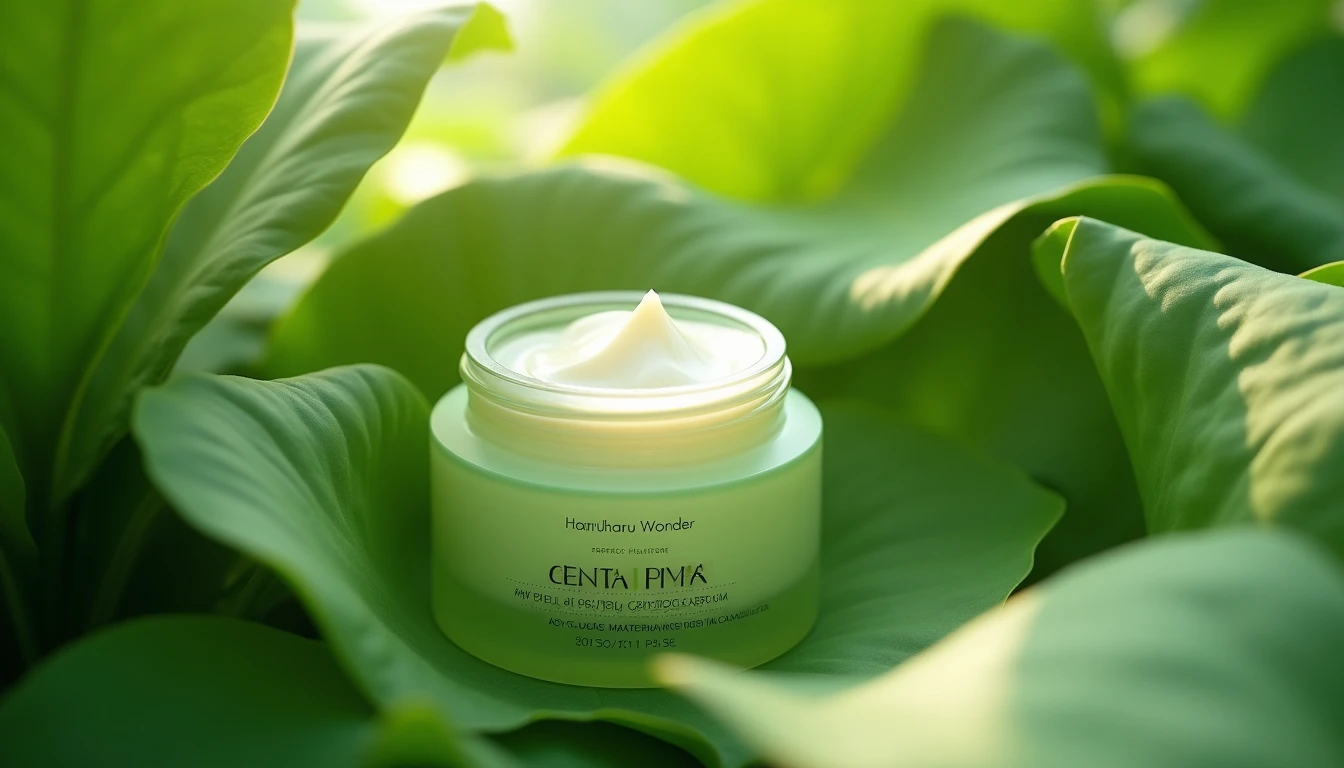
Is Haruharu Wonder's Peptide Cream Worth Your $20?
Looking for an affordable peptide cream? Haruharu Wonder's Centella Phyto & Peptide Cream might just fit the bill, but not without a few caveats.

 Mobile Apps
Debunking Myths About Productivity Apps: What Really Works
Think all productivity apps are free? Think again. Discover the true costs and benefits of top-rated productivity tools, and find out which ones are worth your time.
Mobile Apps
Best Note-Taking Apps for Students & Professionals in 2026
Explore top picks for note-taking apps catering to students and professionals. Discover which apps offer the best features, usability, and value.