Google Calendar
Get the official Google Calendar app, for your Android phone, tablet, or Wear OS device to stay organized and plan your day. Make the most of your day with easy event creation, multiple calendars, customizable views, widgets, tasks, and more With...
Google Calendar is a robust productivity tool that seamlessly integrates with other Google services, making it an excellent choice for users needing to organise their schedules. However, its reliance on Google accounts may not suit everyone.

Google Calendar
Updated 1 hour ago✍️ Google Calendar is a robust productivity tool that seamlessly integrates with other Google services, making it an excellent choice for users needing to organise their schedules. However, its reliance on Google accounts may not suit everyone.
Price
See store
Downloads
5,000,000,000+
Age Rating
4+
Category
Productivity
About this app
✍️ Our Take
✅ Pros
- + Automatic event addition from Gmail
- + Customisable views and themes
- + Shared calendars for easy collaboration
- + Accessible on multiple devices
- + Integration with Google Workspace
⚠️ Cons
- − Requires a Google account for full functionality
- − Can be overwhelming for first-time users
- − Limited offline capabilities
- − Some features may be redundant for casual users
🎯 Best For
Best for individuals and teams looking for a comprehensive calendar solution that supports collaboration and integrates with other Google services.
Availability and pricing may change. We may earn a commission when you install through our links.
Related Articles
From Around the Network

 Products
Top Makeup Essentials: From Budget Finds to Premium Picks
Explore standout makeup picks ranging from budget-friendly essentials to luxurious splurges. Discover which products are worth your investment.
 Products
Unveiling the Best Skincare Picks: From Budget Gems to Premium Splurges
Explore standout skincare products that balance quality and price. Whether you're on a budget or ready to invest, find the perfect fit for your routine.
 Products
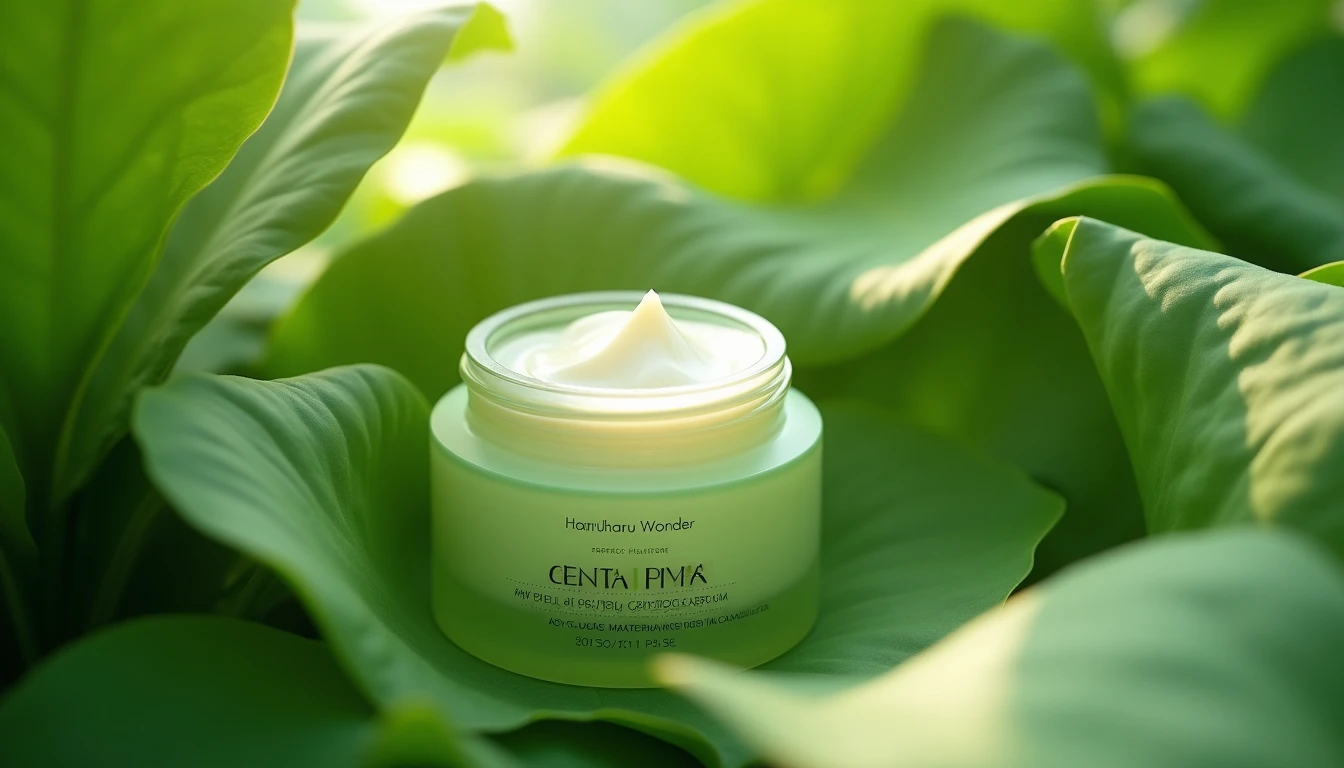
Is Haruharu Wonder's Peptide Cream Worth Your $20?
Looking for an affordable peptide cream? Haruharu Wonder's Centella Phyto & Peptide Cream might just fit the bill, but not without a few caveats.